CRUD Default Value
This documentation is about how the forms display the pre-filled fields on the CRUD forms (specially on Add).
Priority
Same as the App-level Language Translations, there is a priority defined for the default values.
The form will remain empty if there are no values from any of the options below.
1. The Query String
If passed through the URL:
https://demo.dev.phpreaction-crud-v2.phpr.link/en/invoice-types/new?previous=2&next=22. The User Defined KVS
It can directly be set through the footer (save value action), or it can be saved through the Default Flag modal from the Listing Actions. See the Key Value Store (KVS).
Save value action:

Default Flag action modal, from the listing row actions:
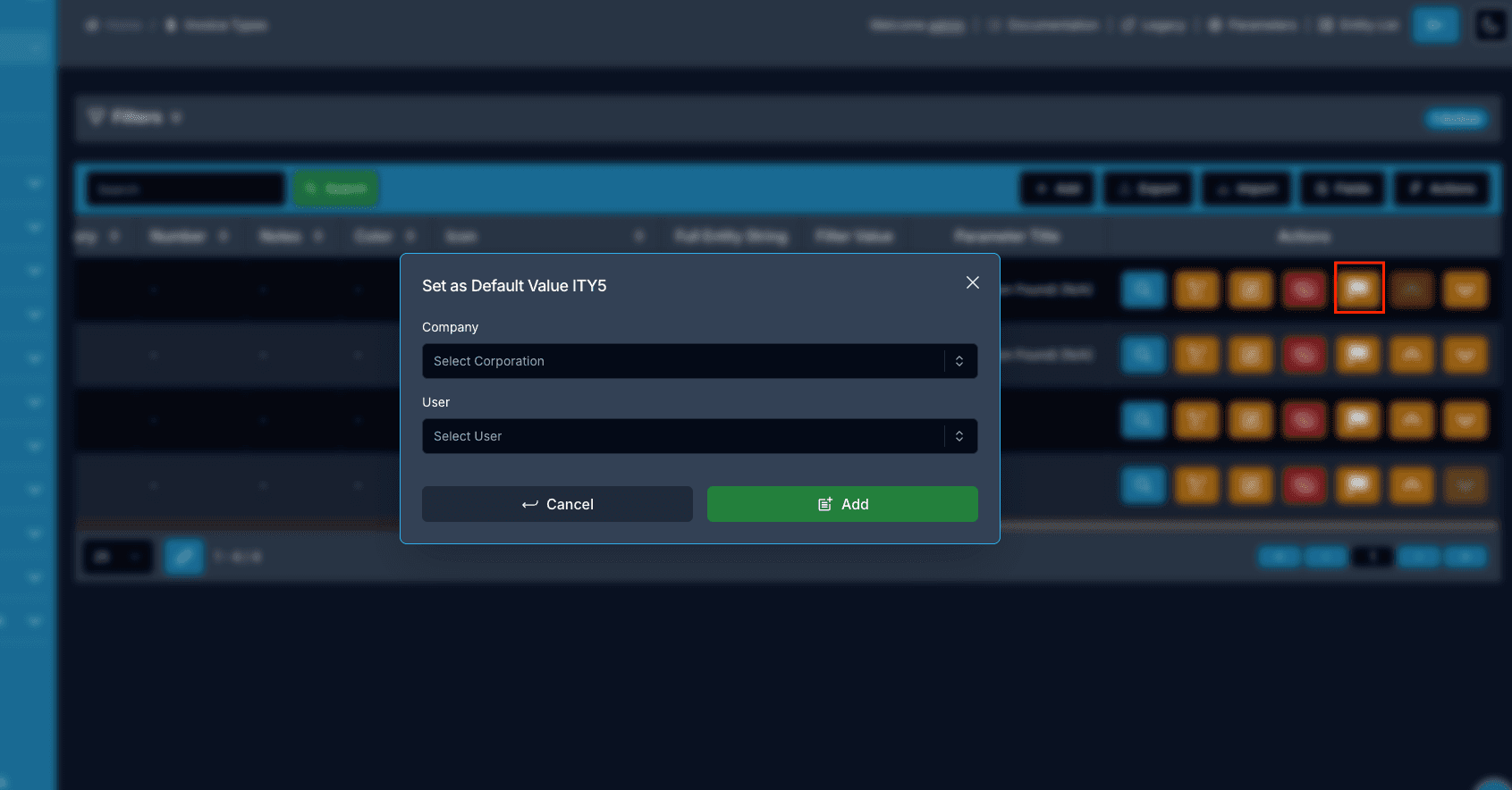
3. Enterprise KVS
The process will be the same, but the difference is the user field, which can be null or set for any specific user.
4. Skeleton (the app’s predefined values)
Through the API endpoint:
GET /{moduleName}/{objectName}/skeleton/newSee the related documentation: Skeleton Endpoint. The entity’s skeleton URI is also exposed in the metadata as defaultDataSkeletonUri.
The forms these values land in are documented in Add Entity and Edit Entity.