Layout
Purpose
Establish a consistent layout structure to enhance user experience and maintain design uniformity across the application.
Principles
- Consistency: Ensure all pages follow a unified layout structure.
- Responsiveness: Design layouts that adapt seamlessly to different screen sizes.
- Accessibility: Follow accessibility standards to make layouts usable for all users.
- Scalability: Create layouts that can accommodate future content and features.
Layout Structure
The layout is all in the component Layout client of the components bundle.1
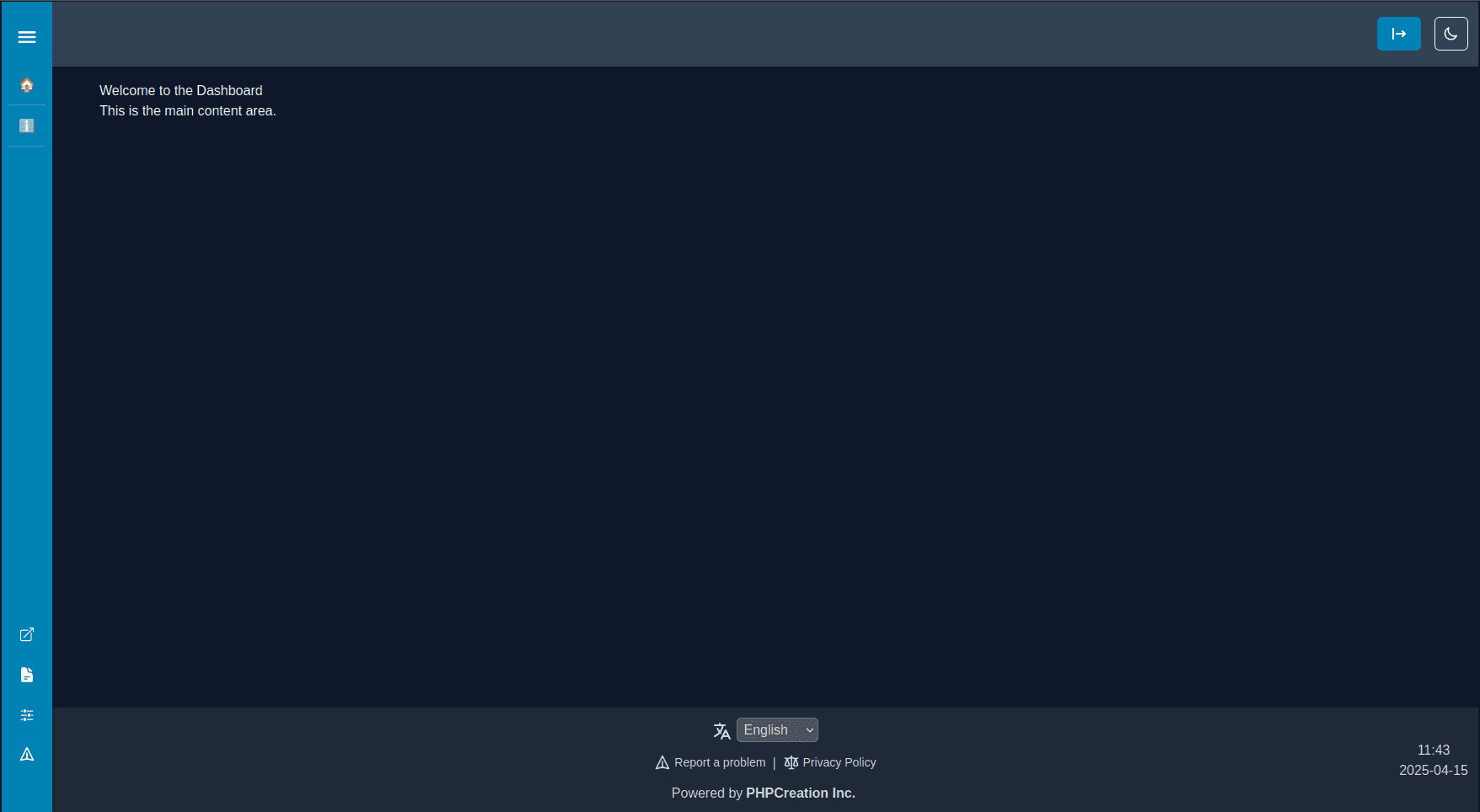
Main Content Area
- Centralized space for primary content.
- Maintain a consistent padding and margin.
Sidebar
- Used for navigation or additional tools.
- Should not overwhelm the main content.
- Collapsible or expandable based on user preference.
Footer
- Includes copyright, links, language, and other supplementary information.
- Stays consistent across all pages.
Header
- Contains the logo, theme and layout.
Spacing Guidelines
- Use a consistent spacing scale (4px, 8px, 16px, 32px).
- Avoid arbitrary spacing values.
Typography
- Define clear hierarchy for headings, subheadings, and body text.
- Headings decrease in size from H1 to H6 (e.g., H1 > H2 > H3).
Best Practices
- Use the
LayoutClientcomponent for all pages. - Use components from the shared bundle whenever possible.1
- Minimize the use of custom CSS in the project — if something can be achieved with an existing component, use that instead.
Checklist
Loading CheckList
Show Checklist Code
Loading Checklist Code
Footnotes
Last updated on