Sideboxes & Relations
A sidebox is the collapsible listing embedded inside a detail/show page for a resource related to the entity you’re looking at, e.g. an invoice’s translations, notes, or attached files sitting under the invoice itself. Every sidebox is the same read/write flow you’d get on a full listing page, just embedded in a parent’s detail view and adding related records inline instead of on a dedicated page.
Two kinds of relation
Sideboxes are generated from the entity’s metadata. Beyond the normal ORM relations, the CRUD generalizes relationships through a binding (a tablename, optionally plus an id), which splits into two kinds:
| Relation | Bound by | Where it shows |
|---|---|---|
| Entity binding | tablename only | Mostly a definition on the entity’s metadata page |
| Record binding | tablename + id | A sidebox on the show page of the detail entity |
- Entity binding relations:
CustomProperty,Templates,Email templates,KPI Report,event_subscriber, and (key-dependent)KVS/cache. - Record binding relations:
Translations,Modifications(LogEntries), storage (entity_file),tags(taggings),Notes,Approvals, and (key-dependent)KVS/cache.
This page covers the record-binding sideboxes on the show page.
How a sidebox behaves
- Lazy loading — nothing is fetched until the box is opened for the first time (
hasBeenOpened→enableFetch()), so a detail page with several sideboxes stays cheap to load. - Header actions — a green + opens the quick-add modal, a gear toggles advance options, and a listing button links to the full listing. The
translatableflag is passed straight through, so a translatable resource’s quick-add modal gets theTranslatableFieldspanel (see Lang Translations). - Deep-linking — whether a box starts open or closed is driven by a URL param named after the resource (
{fqcn}_{resource}_sidebox=1), so a link can point straight at an expanded box. - Printing — a sidebox force-opens on
beforeprintso its rows aren’t hidden on a printout. - No writable properties — when the related entity has no writable properties, the Add button, the Add dropdown, and the Import dropdown are removed from that sidebox (nothing to add).
- Listing actions — hidden by default inside a sidebox; they’re only available on the full listing page.
Base sideboxes
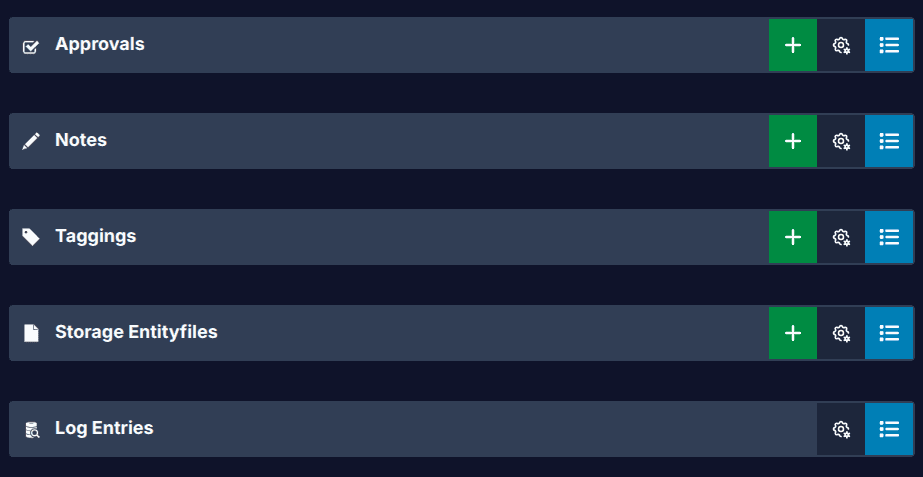
The base sideboxes are generated on every entity’s show page: Log Entries, Storage / EntityFiles, Taggings, Notes, and Approvals.
Log Entries
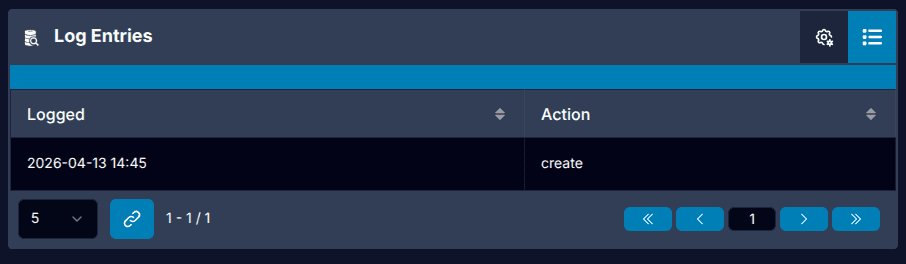
Shows when the current record was interacted with: the date it was logged and the action (create, update, remove). It has no writable properties, so the Add button doesn’t appear.
Storage / EntityFiles
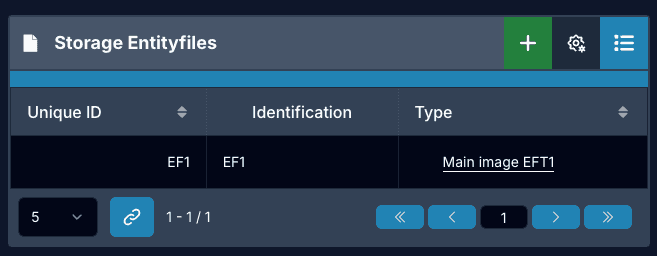
The files attached to the record.
Taggings
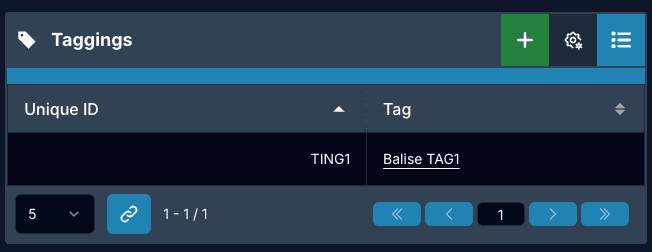
The tags applied to the record.
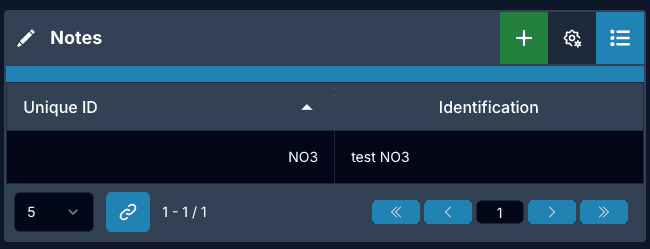
Notes
Free-form notes attached to the record.
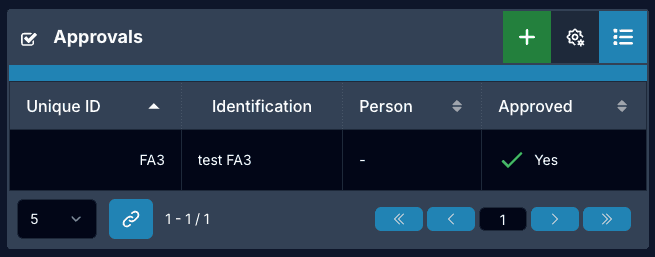
Approvals
The approval state on the record.
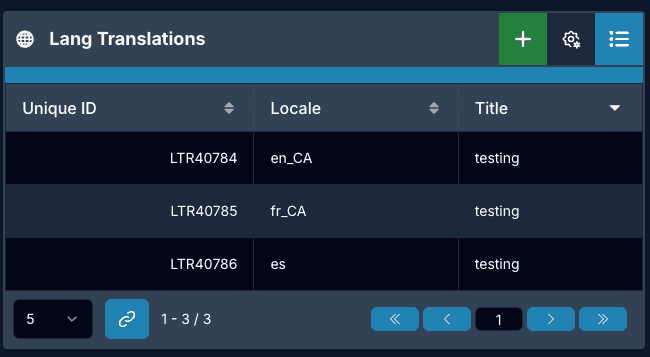
The translations sidebox
Translations is a record-binding sidebox: the translatable rows for the current record, sitting under it on the show page. Because translatable is passed through, its quick-add modal opens with the TranslatableFields panel, so it edits every locale exactly the way a full page does. See Lang Translations for the read/write flow.
Related
- Lang Translations — the translations sidebox’s read/write flow
- Associations — related entity panels on a detail page
- Metadata Components — where entity-binding relations are defined
Tracking issue: #1019 (Sideboxes Usage) , and sidebox standardization #1061 .